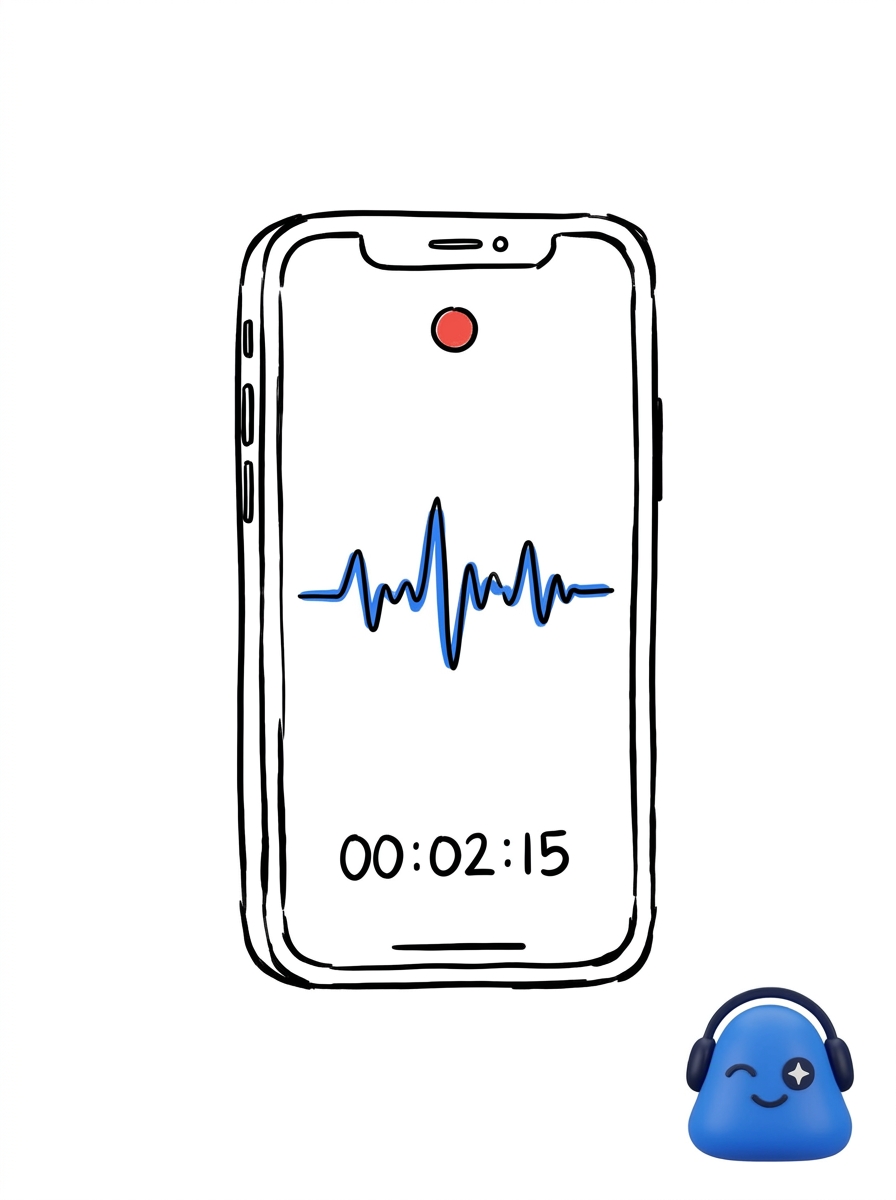
Meeting.ai on your phone is capture-first, and everything stays in sync with the web app.
Record and send the bot
Record an In-person meeting and the recording keeps running in the background — leave the app or lock your phone and it keeps going, with controls on your lock screen and Dynamic Island to pause, resume, or stop. For video calls, send the Meeting Bot to join and capture the conversation. See record and upload for the basics.
Quick access on your phone
The phone is built for grabbing things fast:
- Home-screen widgets — recent meetings, your calendar, chats, and favorites.
- Voice commands — start a recording or ask a question hands-free.
- Document preview — open PDFs, spreadsheets, and slides right in the app.
- Full search — across your meetings, files, and contacts.
- Download recordings — keep your own backup copy.
- Push notifications — get notified about activity that needs your attention.
In sync with the web
Whatever you capture on your phone shows up on the web, and vice versa. Start a meeting on mobile, then pick up the notes and hand work to your agent on the web. New here? See your first meeting.