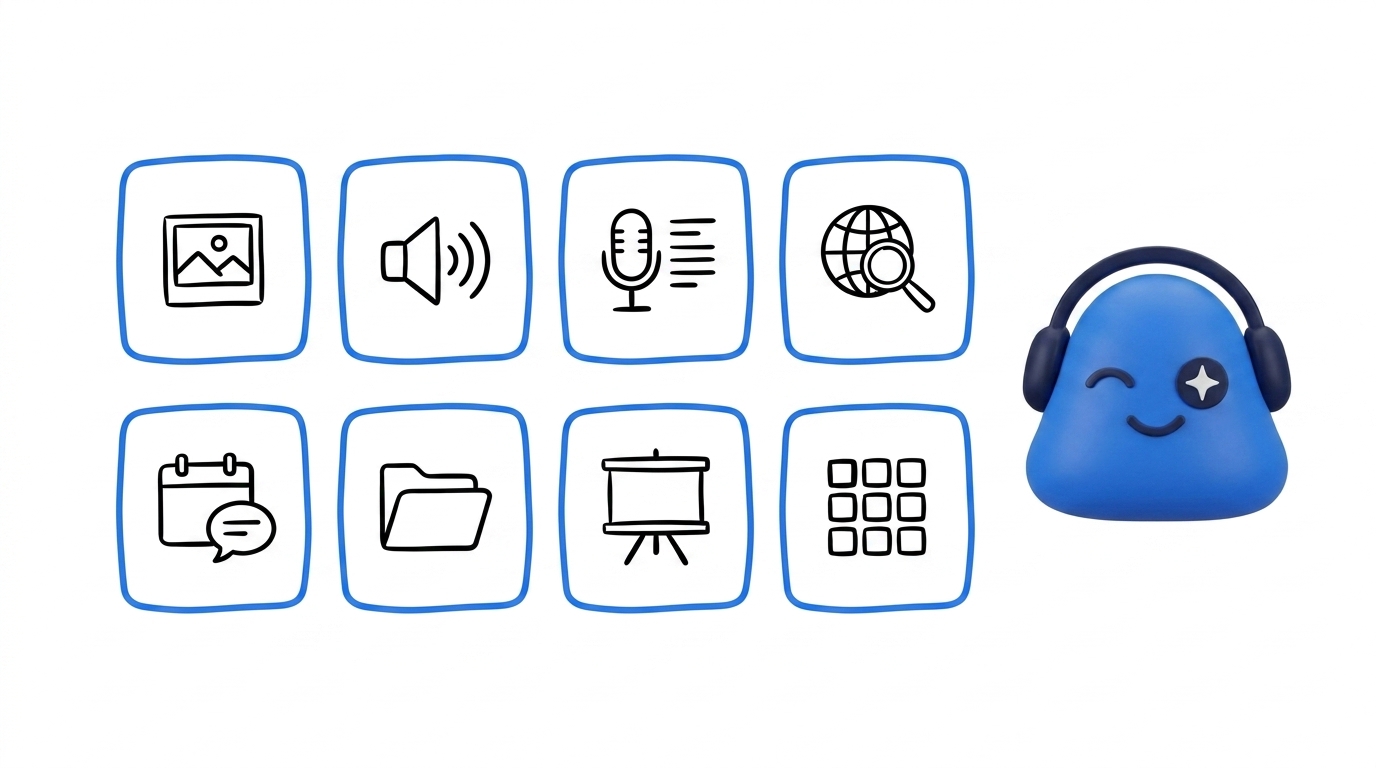
Your agent has a built-in toolbox it reaches for on its own. You don't pick tools by hand — you describe what you want, and it chooses the right ones for the job.
What's in the toolbox
Describe a goal and your agent works out which of these to use:
- Generate images from a description.
- Create voice or audio from text, so written notes become something you can listen to.
- Transcribe audio to text when you have a recording to turn into a transcript.
- Search the web to research a topic, a company, or a person.
- Work across your meetings, transcripts, contacts, and files — your Drive — so its answers are grounded in what was actually said and shared.
- Produce slides, spreadsheets, documents, and podcasts you can use right away.
All of this runs on your agent's own cloud workspace, not on your phone or laptop.
Skills add more
Skills from the Skill Store give your agent new abilities beyond the built-in set, and you can build Private Skills that only you can see. Install one and it joins the toolbox your agent draws from.
One task, several tools
Many jobs need more than one tool. Ask your agent to brief you on a prospect before a call, and it might search the web, pull from your past meetings, then build a slide deck — all in one go.
The more it knows about your work, the better its choices get. See what your agent remembers and how to delegate work to your agent.