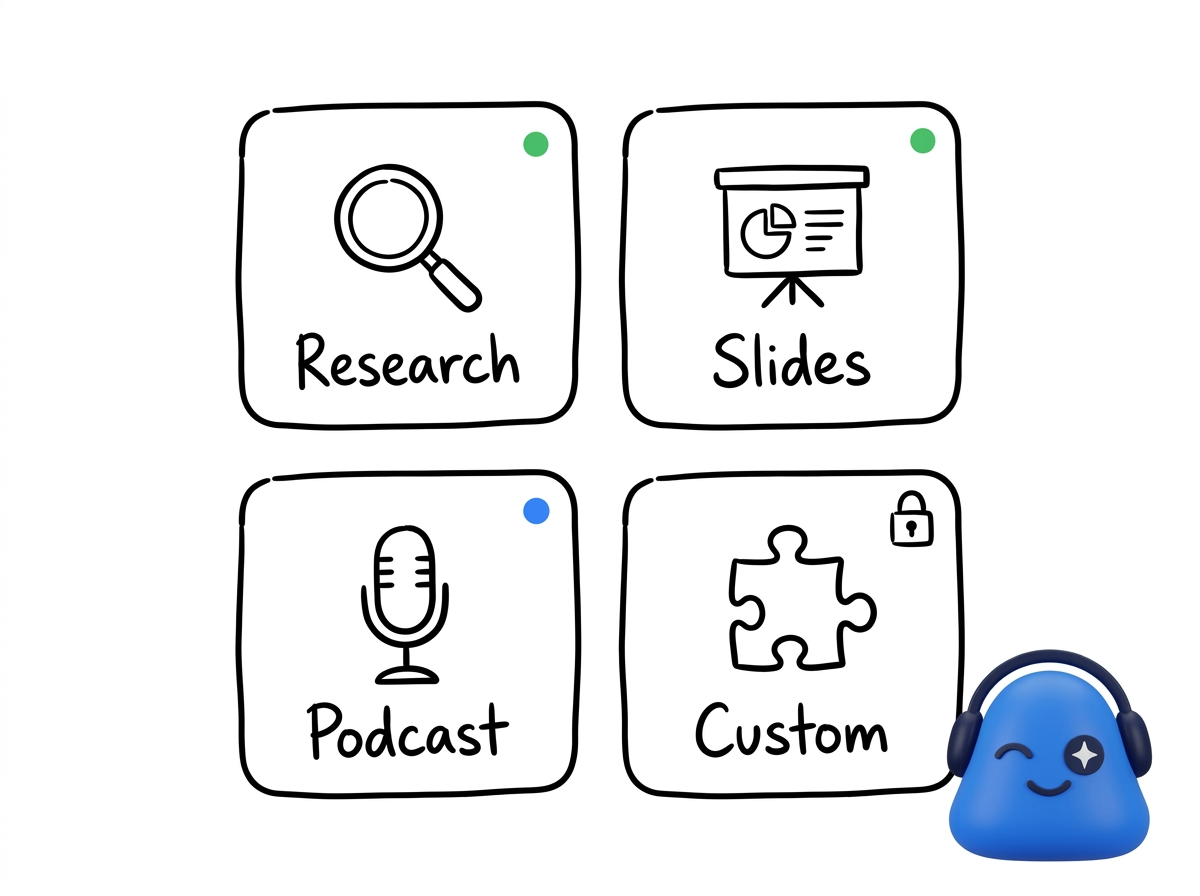
Skills are how your agent grows — instead of more menus, you add the abilities you want, like deep research, slides, content, or turning a meeting into a podcast.
Find a Skill
Open the Skill Store to browse what is available. Skills in the Skill Store are built and reviewed by the Meeting.ai team, so they work as described — some are ready out of the box (meeting recording comes first), and others you install. Each one explains what it does and what it produces, so you know what you are getting before you install it.
Install and run
- Install a Skill from the Skill Store.
- Run it — some Skills show a short form first, like a topic, a file, or a date, before they do the work.
- The agent uses the Skill on its own computer and hands you the result right in your chat. Memo shows progress while it works.
Private Skills
Private Skills are ones you create from your own repeated workflows. Do something once, say "make this a Skill," and next time it is a single command — visible only to you.
Where Skills run
Skills install into your cloud agent, not as downloads on your device. They work the same in the web and mobile apps and are ready wherever you pick up. Once installed, a Skill can draw on your meeting history just like your agent does — and you can publish what it makes, like a website, straight to the web with no hosting to set up.