
Before: arrive with the right context
Preparation often means finding what the team decided last time, reading background material, and deciding which questions need an answer. Give the assistant the topic and the context you already have. Explain who will attend and what outcome you need.
For example, ask for a brief on a prospective customer that separates sourced information from questions to confirm on the call. Or ask for an agenda based on the previous project's open actions. Those requests make the preparation specific enough to review.
Meeting.ai can draft a slide deck with talking points, research the people or company involved, and recall earlier decisions. If the meeting concerns a plan or budget, it can also prepare a working spreadsheet with live formulas. Check the figures before treating the spreadsheet as a decision tool.
During: keep a record of the discussion
The assistant needs context from the real conversation. Meeting.ai records in-person meetings from a phone or browser and sends a Meeting Bot to Zoom, Google Meet, or Microsoft Teams. Existing audio and video files can also be uploaded.
Tell the group about recording and check the capture setup. In a room, microphone placement matters. On a call, confirm that the bot has joined. Meeting.ai supports transcription with speaker identification in 30+ languages, but clear sound still makes the record easier to review.
Stay involved in the discussion. The assistant can help keep the words, while you notice uncertainty, disagreement, or a decision that needs to be stated more clearly. Before ending the meeting, repeat important actions aloud with the owner and due date.
After: ask for the work the meeting requires
A summary is useful when someone needs to catch up. It may not be the final output the meeting created. A planning session can leave you needing a deck, an analysis, a proposal, or a report. Ask for that output using the reviewed meeting record.
Meeting.ai can create editable PowerPoint presentations, documents, PDFs, spreadsheets, audio briefs, and Visual Notes. The useful instruction connects the format to a purpose: “Draft the follow-up proposal using the agreed scope, and list the open pricing question separately.”
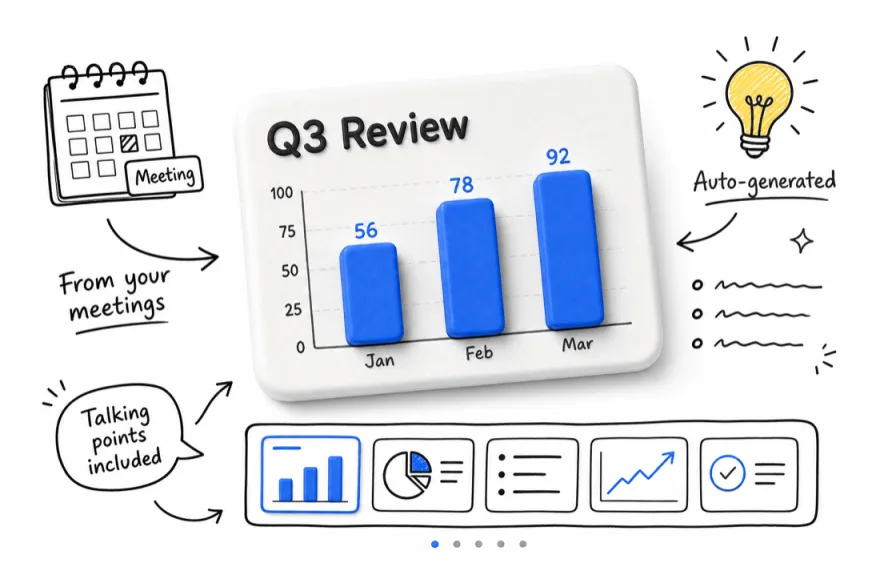
Read the draft as the intended recipient would. Check whether it explains enough background, whether the next action is clear, and whether each commitment matches what people accepted. Remove speculation that sounds like a settled fact.
Carry context from one meeting to the next
Meeting.ai's meeting memory, Memo, keeps context about priorities, decisions, people, and files across meetings. You can ask what changed, which questions remain open, or why a team chose one option over another. Answers can point back to the source.
Use this to prepare focused follow-ups. If a supplier promised a revised schedule, bring that promise into the next agenda. If the team postponed a choice pending research, ask for the missing information before reopening the discussion. The record is useful when it changes how you prepare.
Check the assistant against a normal week
Try a complete sequence: prepare for one meeting, capture it, review the notes, then draft one real follow-up. Judge the assistant on the handoff between those steps. A readable transcript alone will not tell you whether the resulting proposal is useful.
Also check practical fit. Does the capture method suit your meetings? Are your working languages supported? What recording and usage limits apply to your account? Meeting.ai plans include a monthly Coin allowance. Choose around your actual week and the outputs you need to deliver.
FAQ
How is a meeting assistant different from a recorder?
A recorder captures audio. A meeting assistant can also transcribe it, summarize the discussion, answer questions, and help draft follow-up work.
Can Meeting.ai help before a meeting?
Yes. Give it a topic, a report, or earlier meeting notes. It can research a company or topic, prepare a sourced brief, recall prior decisions, and draft a presentation with talking points.
Should I review the assistant's follow-up work?
Yes. Check the source material, audience, calculations, and commitments. Ask for missing information to be marked clearly. A draft can save preparation work while still needing your judgment before it goes to a client or colleague.
Turn your meeting into work
First meeting free