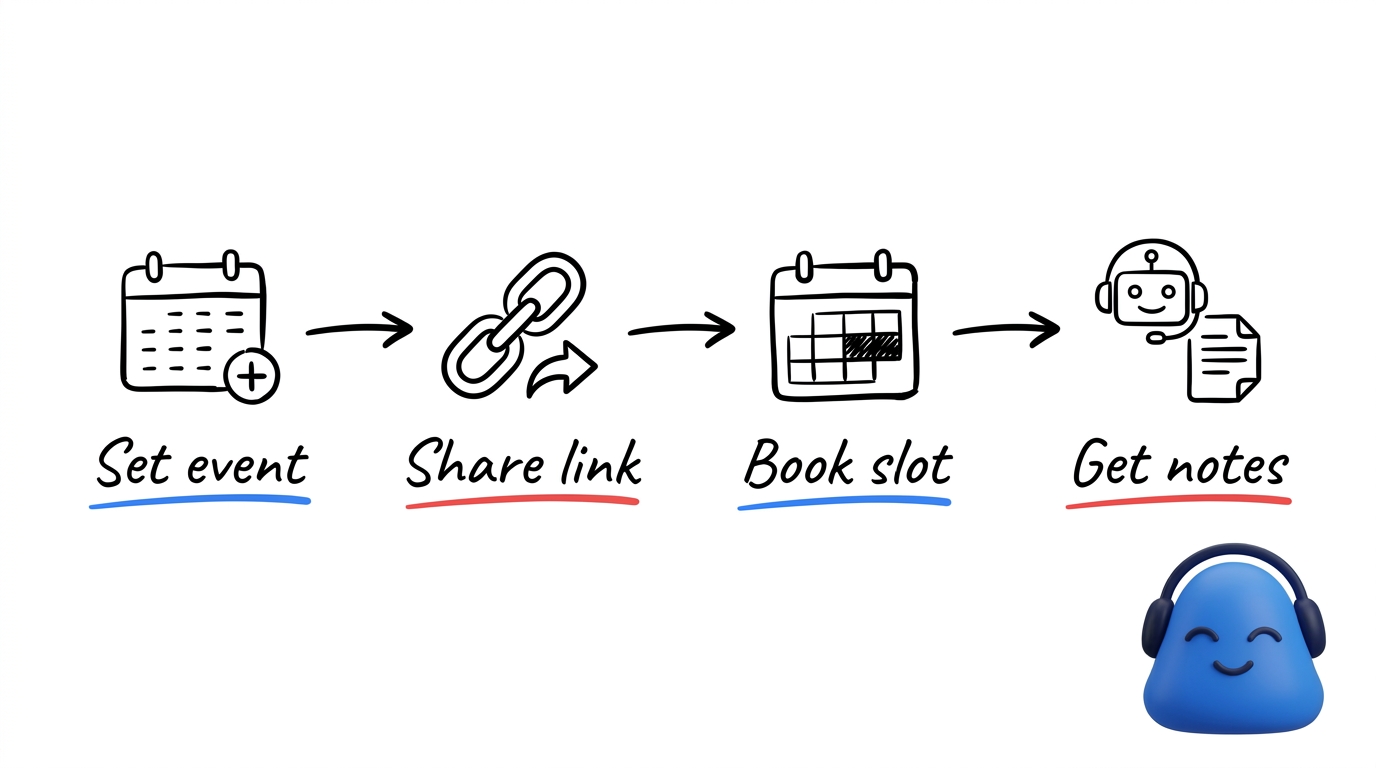
You get a public booking page — a shareable link, like a Calendly-style page — so people can book time with you.
Set up an event type
Host setup happens in calendar settings. Create an event type and give it:
- A name and description so guests know what they are booking.
- A duration.
- Which calendar the booking lands on.
Then set your availability and time zone so guests only see slots that work for you. When you are ready, share your public booking link.
How guests book
Guests open your link, pick an open slot, and book with their name and email — no account needed. They get a confirmation with a link they can use to reschedule or cancel, so changes do not have to come back through you.
Notes from booked calls
The Meeting Bot can join the booked call, so you get a transcript, summary, and Visual Note automatically — without setting anything up at meeting time. To have your scheduled calls join on their own, connect a calendar and turn on auto-join. See connect your calendar.